Meet Nico: A Personal Agent That Lives on Your Mac
NativeMind Team5 min read
NativeMind brings AI into your browser and keeps your data on your machine. But a lot of what you need help with isn't in a browser tab. It's the contract sitting in your Downloads folder, the quote buried in Mail, the deadline you mentioned once and forgot about.
That's what Nico is for. Nico is a personal agent that lives on your Mac. You tell her what you need out loud, and she gets it done on your Mac, with your files, your apps and your logins, right where they already are.
Hold a Key, Say It, Let Go
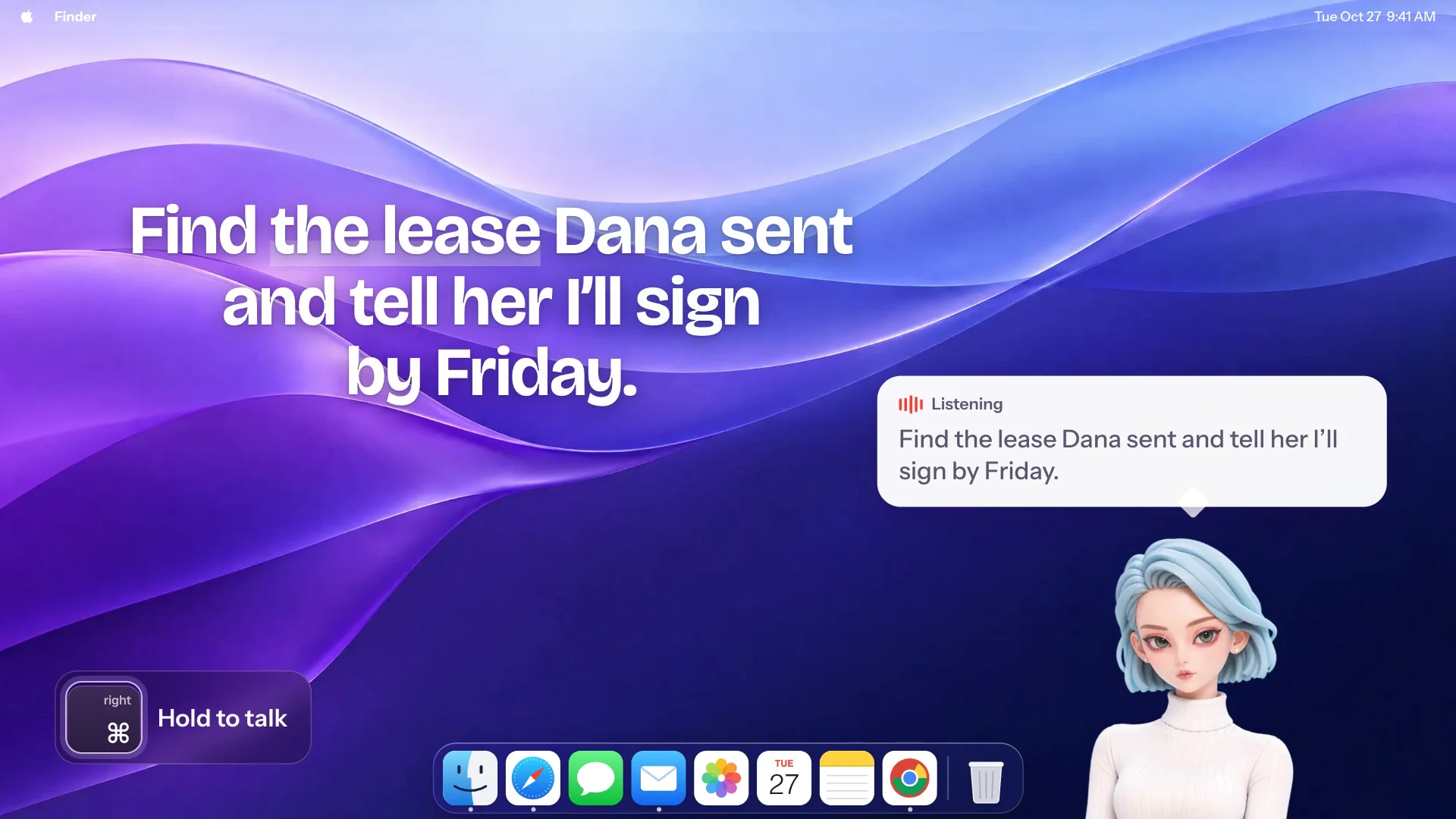
Nico sits on your screen as a small character. Hold the right ⌘ key from any app, say what you need, and let go. She answers out loud and gets to work while you keep doing whatever you were doing.
You don't have to phrase it carefully. Pause, back up, change your mind halfway: "Thursday, no, make it Friday." She follows what you mean.
And you don't have to describe what's on your screen. Say "this" and she glances at the window you're in:
- "Put the numbers in this table into an Excel sheet."
- "Turn this contract into three bullet points and save them to Notes."
- "What does this error mean?"
One Nico, Two Agents
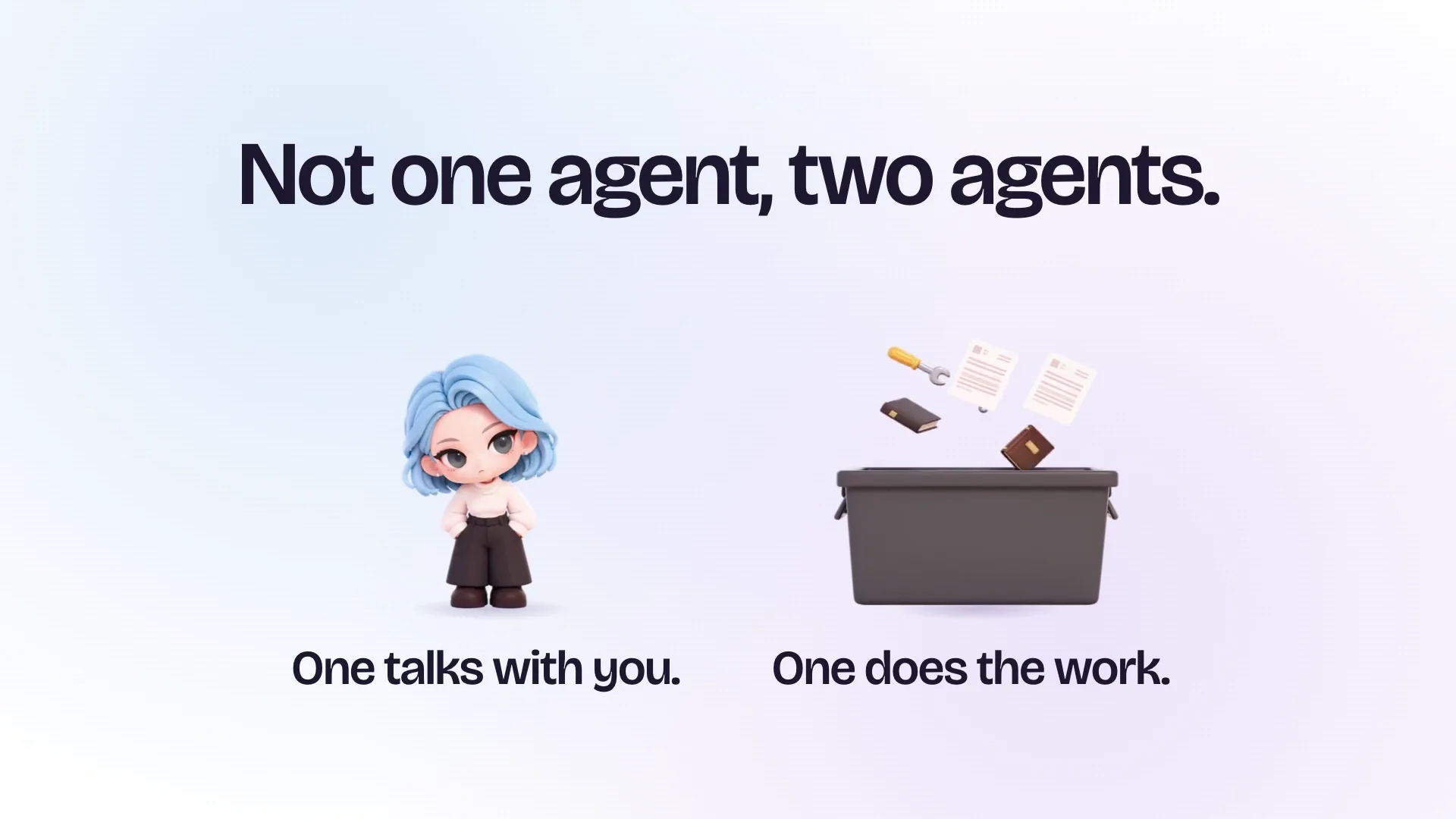
Behind the character are two agents working together.
One talks with you. She's quick and always available. She works out what you need, hands the job off, and tells you how it went. Even while a long task is running, you can keep talking to her.
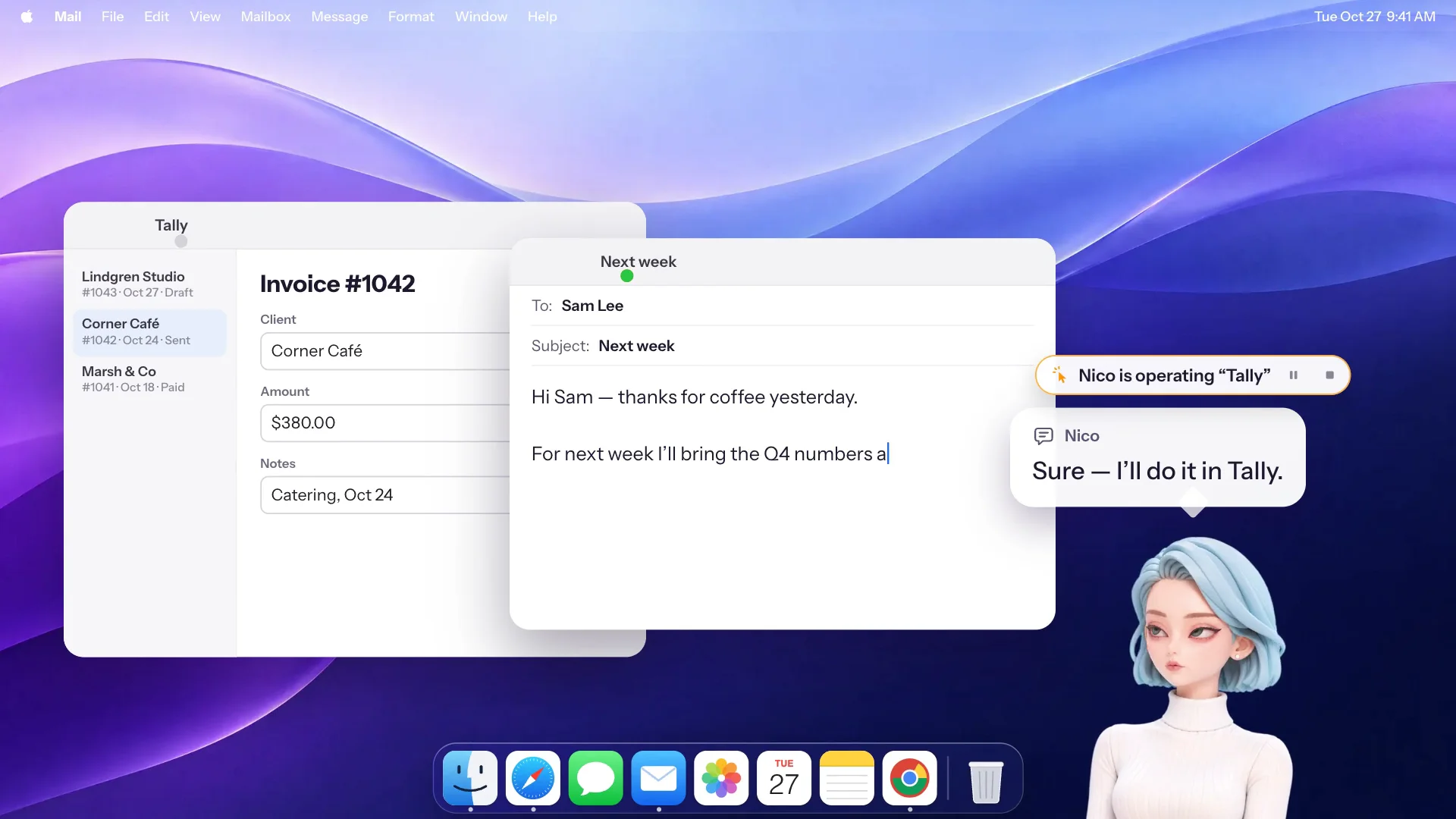
The other gets the work done. We call it the Worker: a desktop agent that plans, researches, reads your files, works in your mail and your apps, makes what you asked for, and checks its own results. It runs on your Mac inside a sandbox. Under the hood it's built on pi, an open-source agent harness, so the loop that talks to the model and runs tools is code anyone can read.
Here's the kind of request the Worker handles:
"Check these three contracts against the contractor's email, flag any payment dates that don't match, and send it to Lily by Friday."
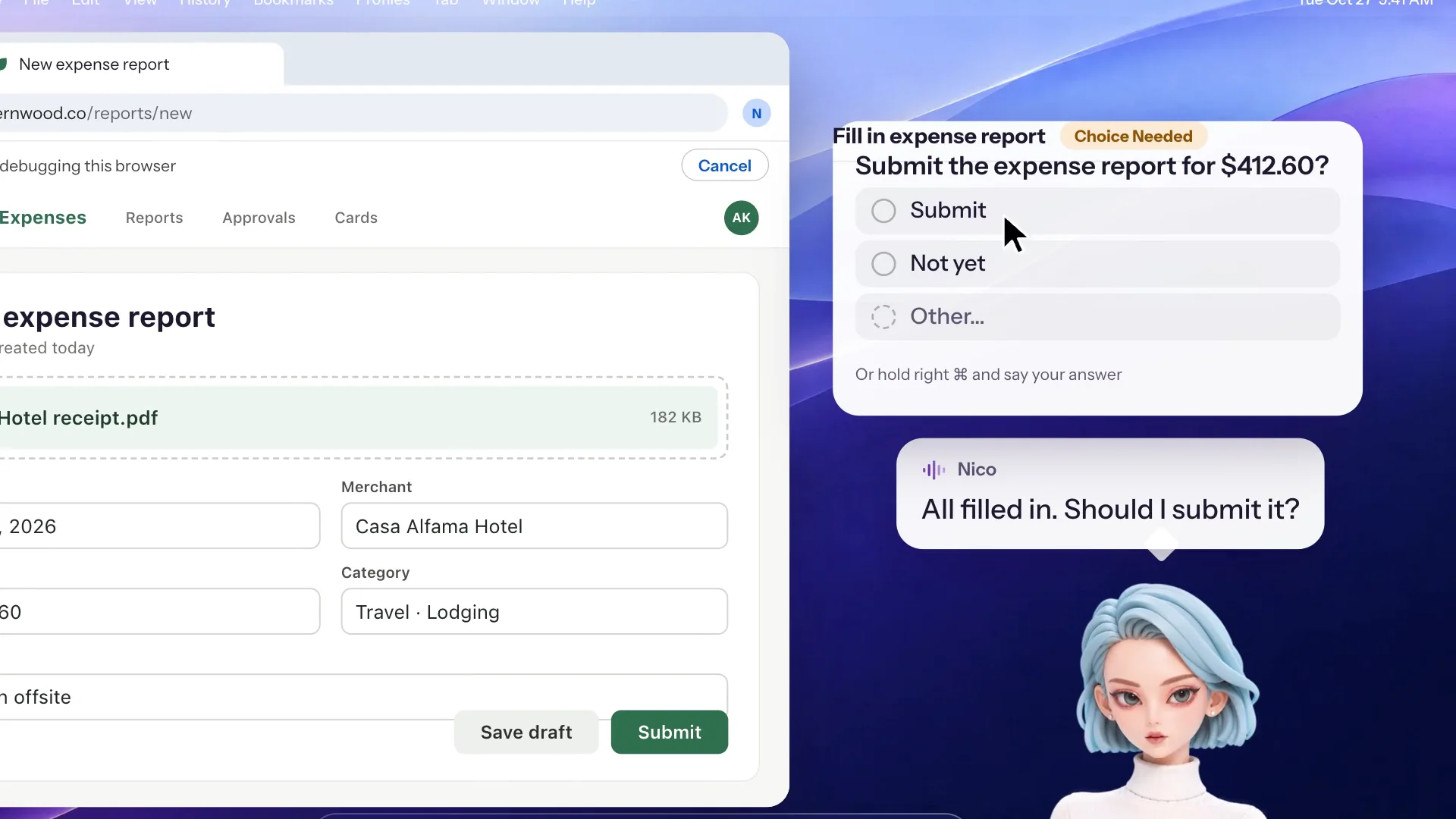
It reads the three PDFs, finds the email in Mail, compares the dates, and writes up what doesn't match. Before anything goes out, Nico checks the step against what you actually asked for, and mail and payments always wait for your approval.
Your Mac, Not a Cloud Computer
Many personal agents now run on a virtual computer in the cloud. You upload your files, sign in to your accounts again over there, and download whatever it makes. Nico takes the opposite approach.
- Your files are used where they are, and results land on your Mac.
- Your websites stay signed in. Nico can use her own browser on your Mac, or work right in your Chrome through the Nico extension. Sites see your usual network and your existing login.
- Your apps are within reach: Mail, Calendar, Reminders, Notes, Finder, Preview and more.
- Your memory stays on your Mac too. Nico remembers the plans, deadlines and people you mention, and you can see, change, delete or back up what she remembers.
Because she remembers, she can also speak up first. Mention that a proposal is due Friday, and on Friday morning she'll ask whether it went out. Before an early flight, she'll offer to check you in the night before.
Bring the AI You Already Pay For
The Worker runs on your own AI account. ChatGPT, Claude, Gemini, GitHub Copilot, DeepSeek, Qwen, Kimi, Mistral, OpenRouter and more all work: sign in with your account, or paste the key from your coding plan or API account. Any OpenAI- or Anthropic-compatible endpoint works too.
There's no extra AI subscription for running tasks. Your credentials are stored in your Mac's Keychain.
Privacy: What Stays on Your Mac, and What Doesn't
NativeMind keeps everything on your device by running models locally. Nico works differently, so here's exactly where your data goes.
- The Worker talks straight from your Mac to the AI provider you picked, with your own account and under that provider's privacy terms. It never goes through Nico's servers, and Nico has no copy of what it reads or writes.
- What you say to Nico is never stored. Voice and typed messages are handled with zero data retention. Nico's relay has no database: it passes your words along and keeps nothing, and the model provider doesn't keep them or train on them either.
- Everything she makes stays on your Mac. Memories, chat history and finished files are files on your Mac. There's no cloud computer holding a second copy.
- The mic is on only while you hold the key. When she glances at your screen, the screenshot stays in memory and is never saved.
- Nothing irreversible without you. Before anything that can't be undone or that involves money, she stops and asks.
Try Nico
Nico comes from the same company as NativeMind, and it's free to download for Apple silicon Macs running macOS 15.4 or later. The Free plan runs tasks on your own AI account, with speech recognition on your Mac and replies in text. Plus adds her voice and costs USD 15 a month, and every new account gets 7 days of Plus free, no card needed.
Your files, your logins and your memories stay on your Mac.